Payment Gateway
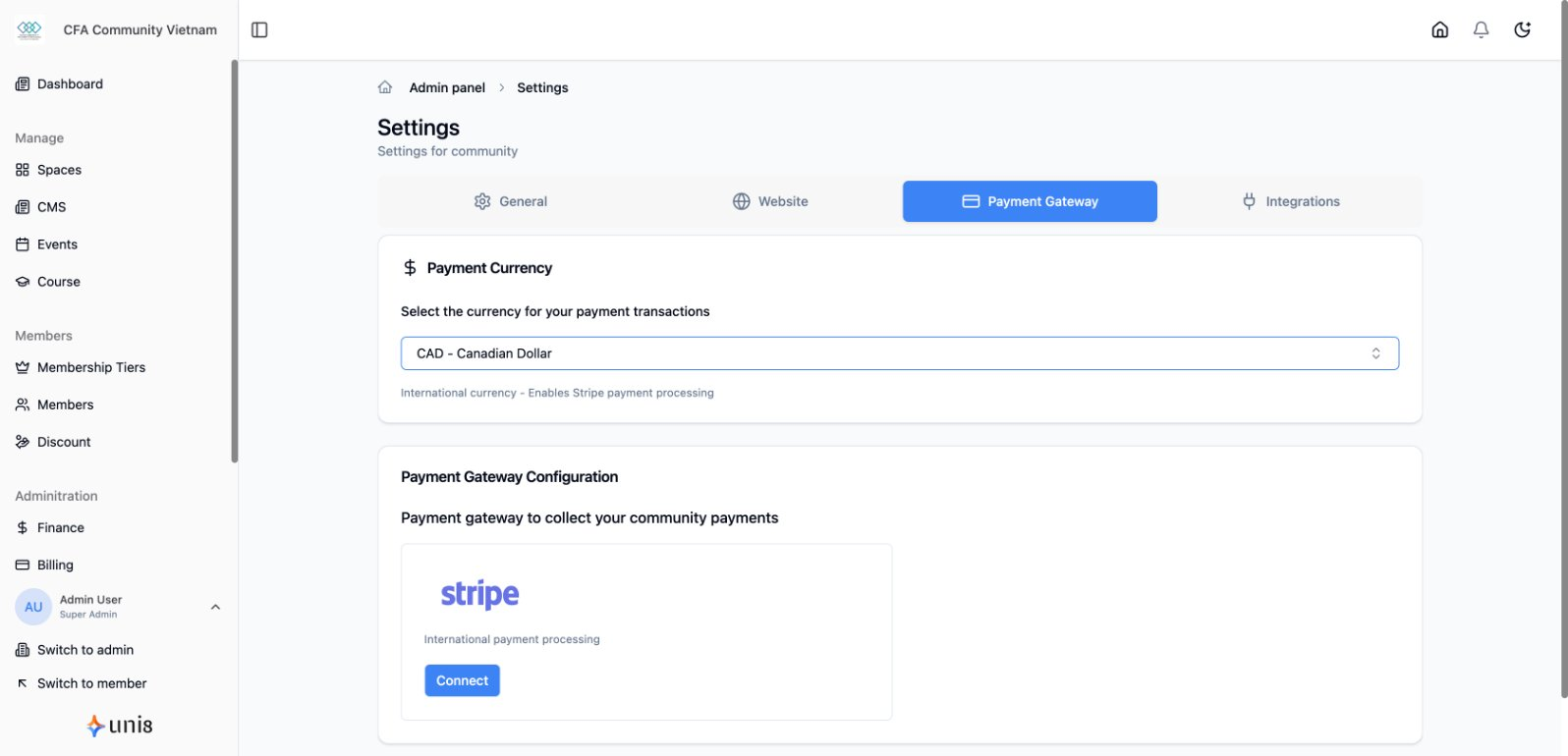
Connect payment gateways to accept membership fees, event tickets, and course payments.
Available Gateways
| Gateway | Coverage | Payment Types |
|---|---|---|
| Stripe | International | Cards, Apple Pay, Google Pay |
| Payoo | Vietnam | E-wallets, bank cards |
| SePay | Vietnam | Bank transfers via VietQR |
Stripe Setup
Connect Stripe
- Go to Settings > Payments
- Click Connect Stripe
- Sign in to your Stripe account
- Authorize the connection
- Stripe is now active
Stripe Features
- Credit/debit cards
- Apple Pay & Google Pay
- Automatic currency conversion
- Subscription billing
- Refund processing
Payoo Setup
Connect Payoo
- Go to Settings > Payments
- Click Configure Payoo
- Enter your Payoo merchant credentials
- Save settings
Payoo Features
- Vietnamese e-wallets (MoMo, ZaloPay, VNPay)
- Domestic bank cards
- QR code payments
SePay Setup
SePay enables instant bank transfers via VietQR.
Connect SePay
- Go to Settings > Payments
- Click Configure SePay
- Enter your SePay API credentials
- Configure bank account details
- Save settings
SePay Features
- Instant bank transfers
- VietQR code generation
- Real-time payment confirmation
- Low transaction fees
tip
See the detailed SePay integration guide for step-by-step setup instructions.
Testing Payments
Test Mode
Enable test mode to verify integration:
- Toggle Test Mode in payment settings
- Use test card numbers
- Verify transactions appear
- Disable test mode when ready
Stripe Test Cards
Success: 4242 4242 4242 4242
Decline: 4000 0000 0000 0002