Create Course
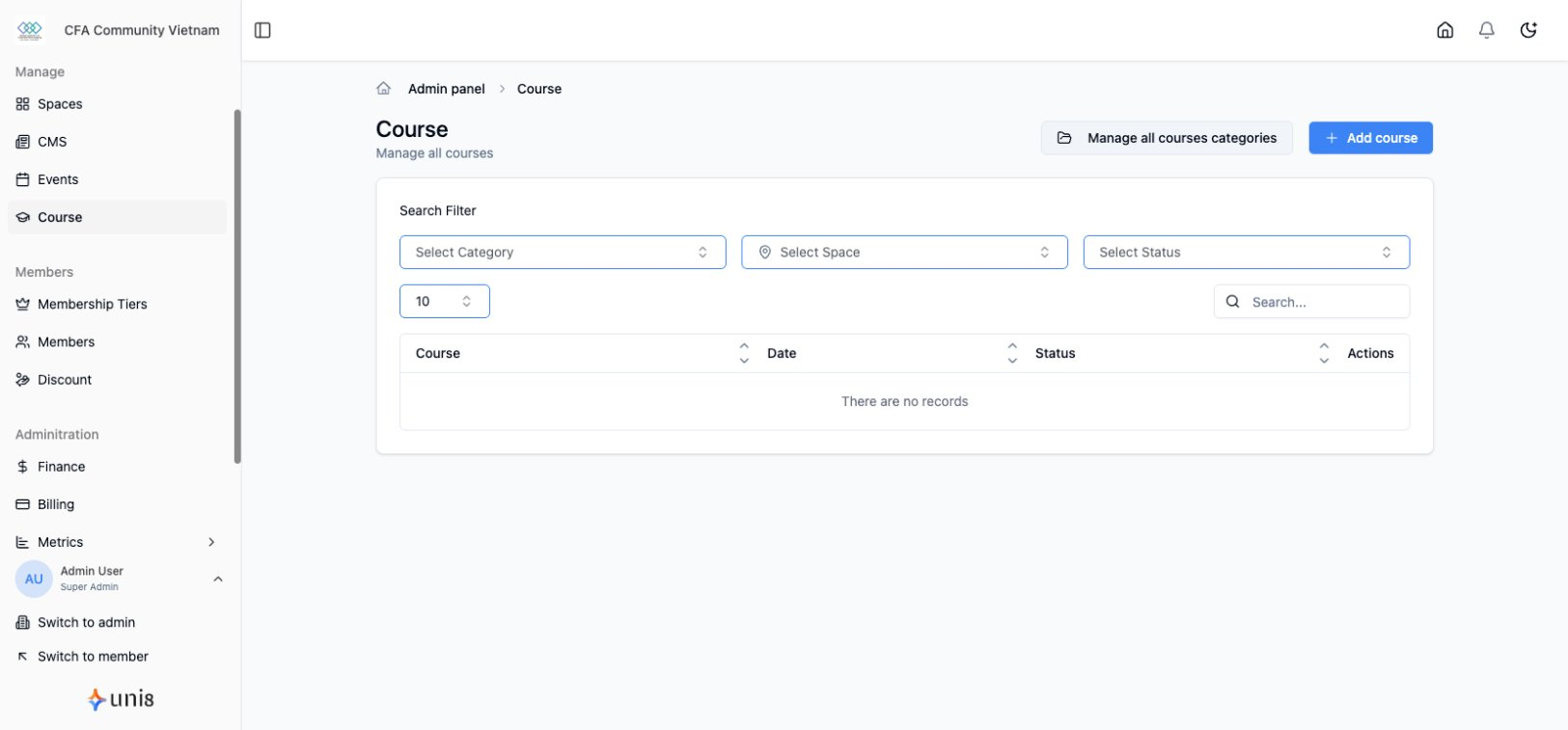
Build educational content for your community.
Create New Course
- Go to Courses in sidebar
- Click Create Course
- Fill in course details
- Add lessons and content
- Publish
Basic Information
| Field | Description |
|---|---|
| Title | Course name |
| Description | Course overview (rich text) |
| Cover Image | Course thumbnail |
| Category | Course category |
Course Settings
Pricing
- Free - Open to all
- Paid - One-time purchase
- Member-included - Free for certain tiers
Access Control
- Public - Anyone can enroll
- Members Only - Requires membership
- Specific Tiers - Restrict to certain tiers
Enrollment
- Open enrollment - Always available
- Limited enrollment - Set capacity
- Cohort-based - Specific start dates
Course Structure
Sections
- Group related lessons
- Collapsible in student view
- Ordered sequence
Lessons
- Individual content units
- Video, text, or mixed
- Progress tracking
Quizzes
- Knowledge checks
- Graded assessments
- Placed between lessons
Course Status
- Draft - Building content
- Published - Live for enrollment
- Archived - No new enrollments
Preview Mode
Test student experience:
- Click Preview
- View as student
- Check navigation
- Verify content display