Spaces Guide
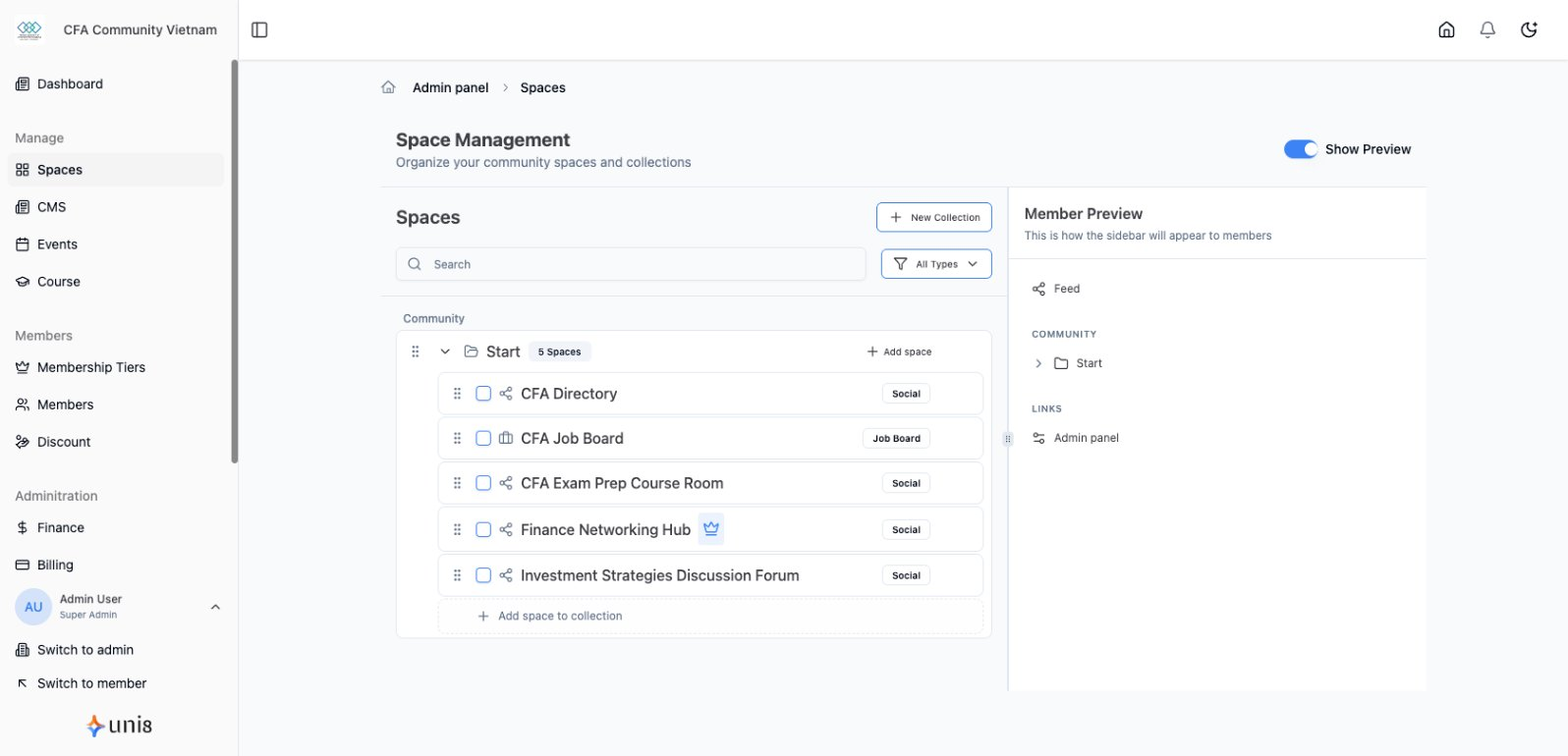
Spaces are areas where members engage with content and each other.
Space Types
| Type | Purpose |
|---|---|
| Social | Discussions, posts, networking |
| Jobs | Job board and career opportunities |
| Directory | Member and business listings |
Create a Space
- Go to Spaces in sidebar
- Click Create Space
- Choose space type
- Enter name and description
- Configure settings
- Click Create
Space Settings
- Name - Display name
- Description - What the space is for
- Privacy - Who can access
- Permissions - Who can post