Welcome & Quickstart
Uni8 is the all-in-one platform for building sustainable online communities. Create professional associations, alumni networks, business clubs, or membership organizations with AI-powered setup.
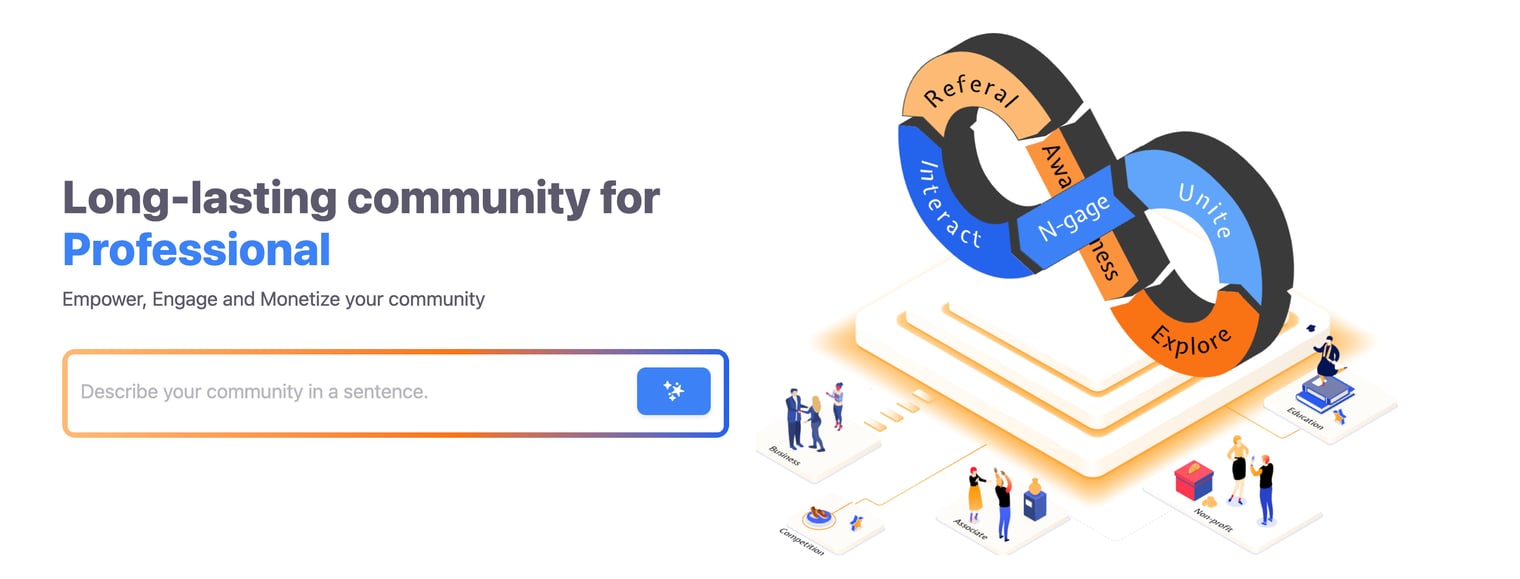
Create Your Community
Step 1: Sign Up
- Go to uni8.ai
- Enter your email and create a password
- Verify your email
Step 2: Describe Your Idea
Enter a brief description of your community:
- "A community for digital marketers to learn and network"
- "Alumni association for ABC University graduates"
- "Business club for startup founders in Vietnam"
The AI researches similar communities and generates tailored suggestions.
Step 3: Choose Your Name
- Review AI-generated community names
- Select one or enter your own
- Continue to feature selection
Step 4: Define Characteristics
The AI suggests key characteristics for your community type:
- Target audience
- Core value proposition
- Main activities
- Monetization model
Customize these to match your vision.
Step 5: Select Features
Choose the most important features for your community:
- Website & Pages (Unite)
- News/Blog (Unite)
- Discussion Spaces (Engage)
- Job Board (Engage)
- Member Directory (Engage)
- Membership Tiers (Interact)
- Events (Interact)
- Courses (Interact)
The AI will prioritize your selections when generating content.
Step 6: Review Generated Content
The AI creates starter content:
- Pages - Homepage, about, contact, membership
- Spaces - Based on selected features
- Sample content - Example posts and events
Everything is customizable after setup.
Step 7: Finish
- Review your settings
- Click Create Community
- Your website and community are ready to launch!
After Launch
Customize Your Website
- Go to Pages to see your sitemap
- Click any page to customize with the Page Builder
- Change logo and branding in blocks or via Settings > Website
See Page Builder Guide for details.
Connect Payments
To accept payments:
- Go to Settings > Payments
- Connect your gateway:
- Stripe - International cards
- SePay - Vietnam bank transfers
- Payoo - Vietnam e-wallets
Getting Help
- This Help Center - Guides for all features
- Support - support@uni8.ai