News & CMS
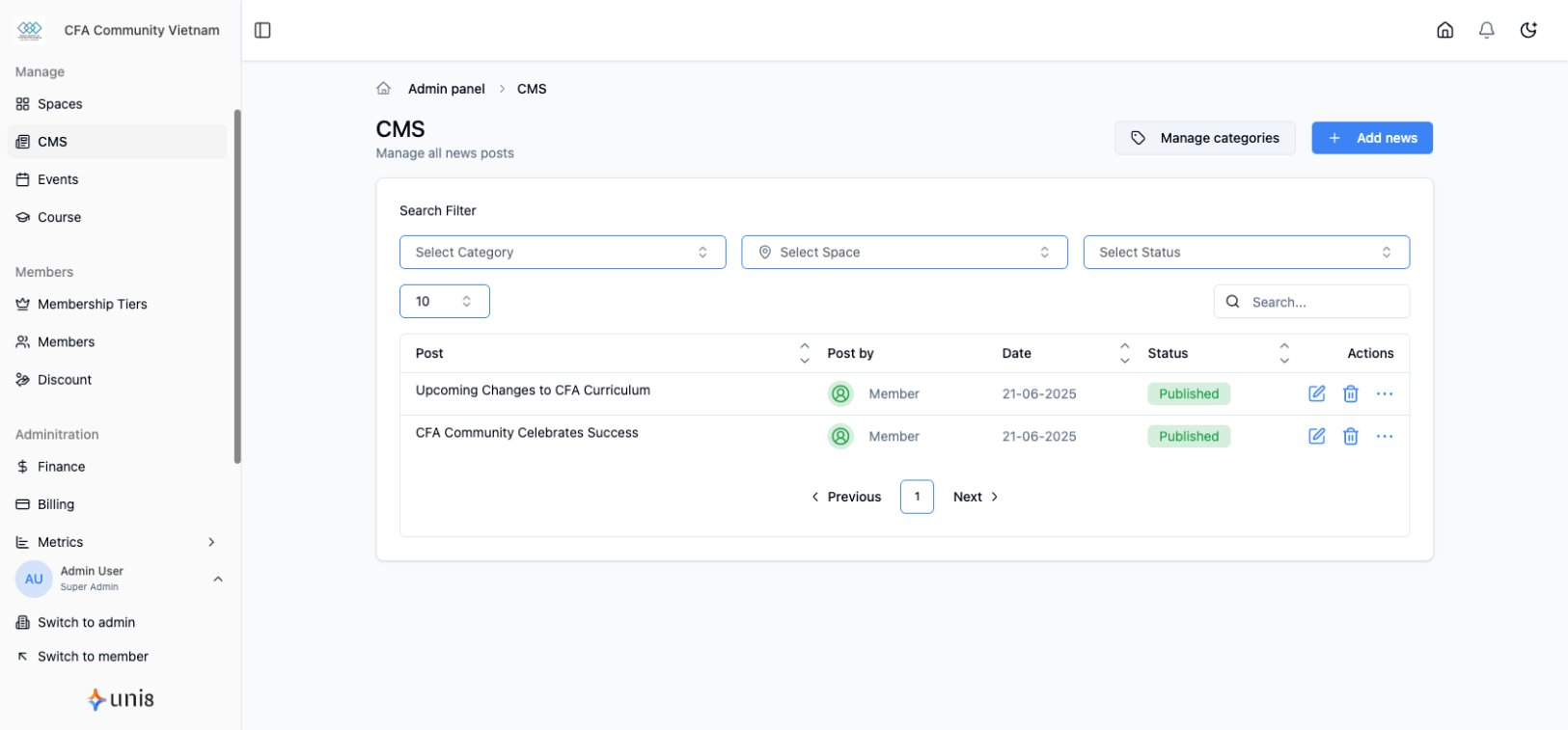
Publish news articles, announcements, and blog content.
Create Article
- Go to News in sidebar
- Click Create Article
- Enter title and content
- Add featured image
- Select category
- Click Publish
Categories
Organize content with categories:
- Go to News > Categories
- Click Add Category
- Enter name and description
- Set display order
Article Settings
- Title - Article headline
- Slug - URL path
- Excerpt - Summary for listings
- Featured Image - Thumbnail
- Category - Content grouping
- Author - Attribution
Publishing Options
- Publish Now - Immediately visible
- Schedule - Publish at specific time
- Draft - Save without publishing