Create Event
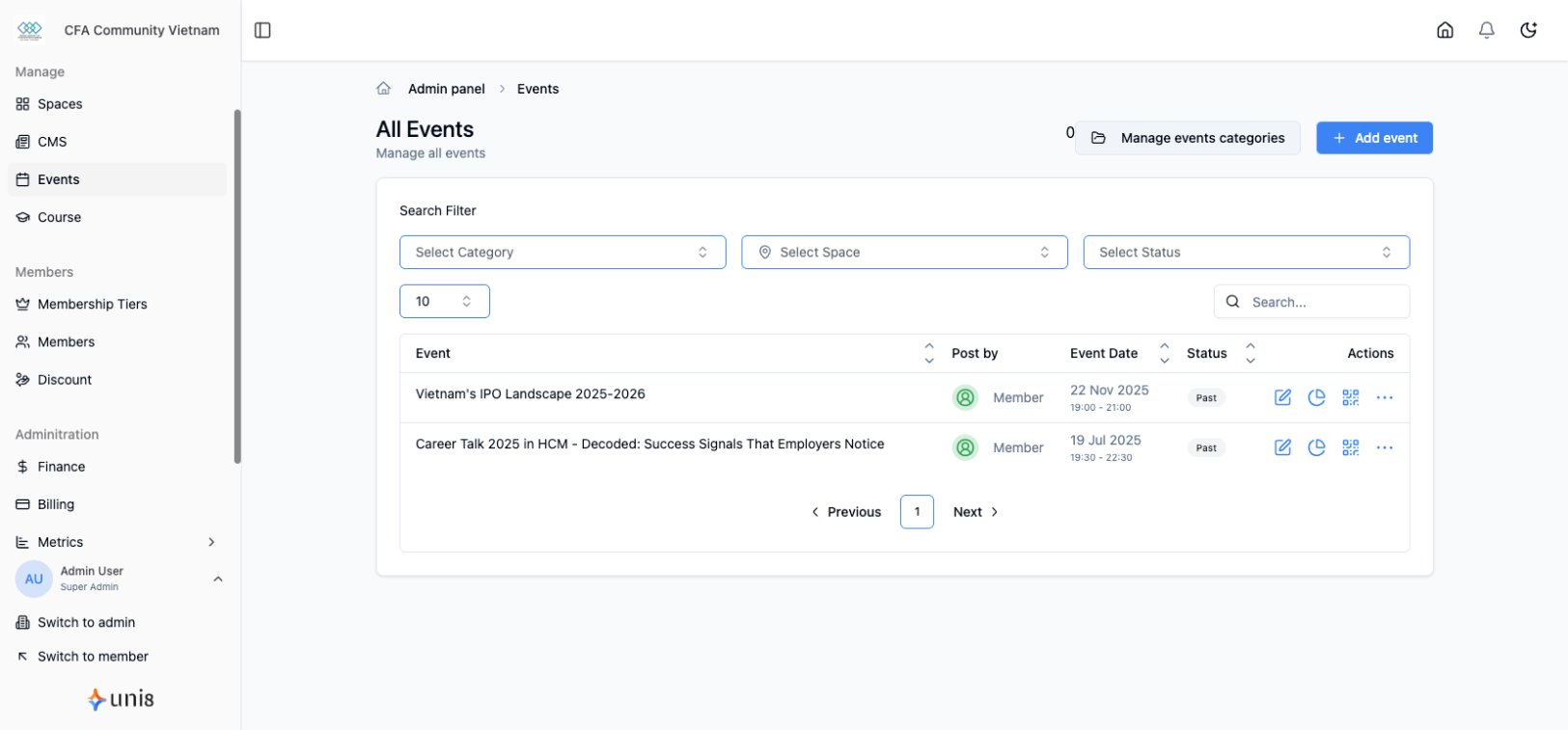
Host events to bring your community together.
Create New Event
- Go to Events in sidebar
- Click Create Event
- Fill in event details
- Save as draft or publish
Basic Information
| Field | Description |
|---|---|
| Title | Event name |
| Description | Event details (rich text) |
| Cover Image | Event banner image |
| Category | Event type/category |
Date & Time
- Start Date/Time - When event begins
- End Date/Time - When event ends
- Timezone - Event timezone
- All Day Event - Toggle for full-day events
Location
In-Person Events
- Venue name
- Address
- Map integration
Online Events
- Meeting link (Zoom, Google Meet, etc.)
- Access instructions
Hybrid Events
- Both physical and virtual options
Visibility
- Public - Anyone can see
- Members Only - Requires membership
- Specific Tiers - Restrict to certain tiers
Event Status
- Draft - Not visible to members
- Published - Live and visible
- Cancelled - Marked as cancelled