Membership Tiers
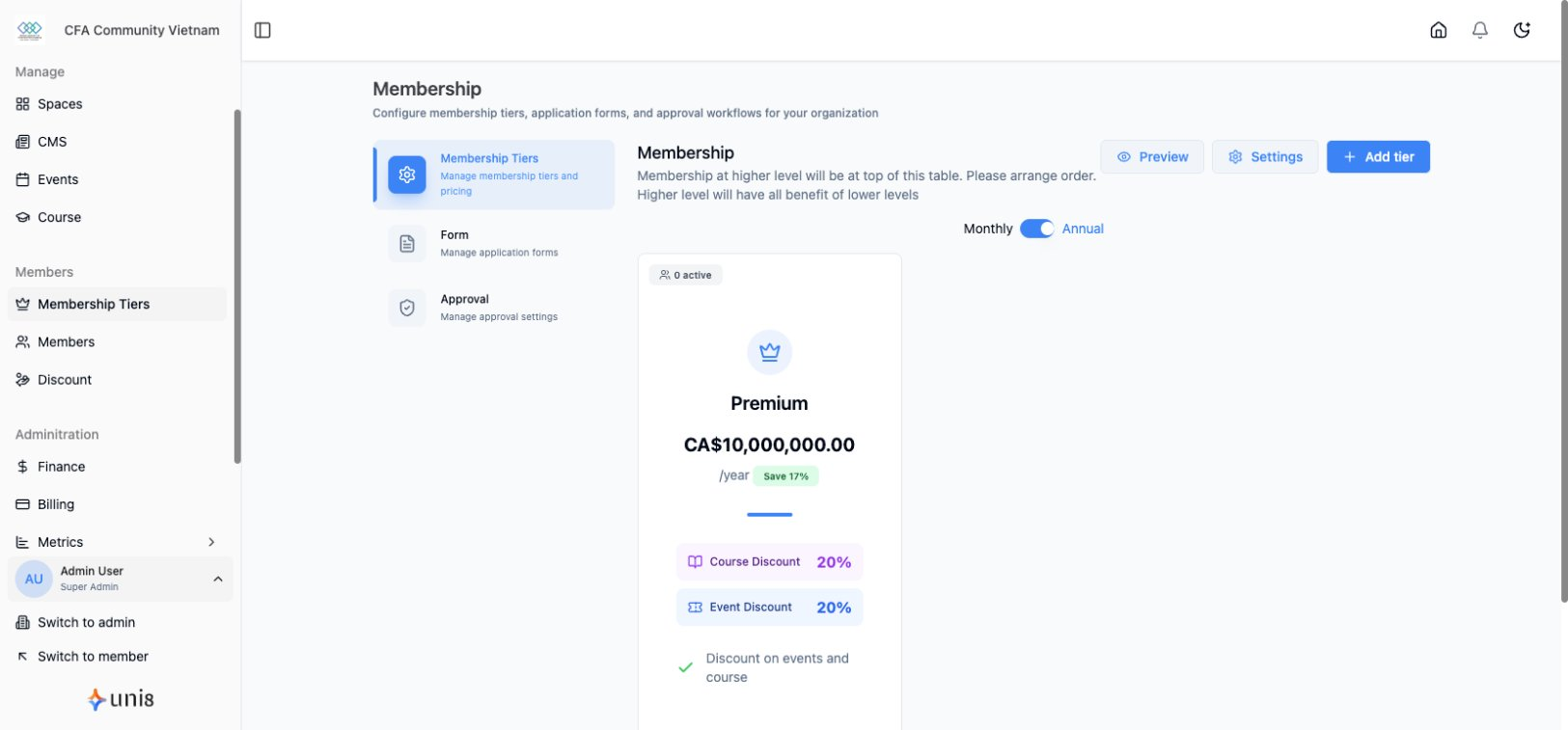
Define different access levels and pricing for your community.
Create Tier
- Go to Membership in sidebar
- Click Create Tier
- Enter tier details
- Set pricing
- Configure benefits
- Click Save
Tier Settings
- Name - Tier display name
- Description - What's included
- Price - Monthly/yearly cost
- Billing Cycle - Monthly, yearly, one-time
Access Control
Define what each tier can access:
- Spaces
- Content
- Events
- Courses
- Features
Free vs Paid
Free Tier
- Basic community access
- Limited features
- Conversion funnel
Paid Tiers
- Premium access
- Exclusive content
- Priority support