Approval Forms
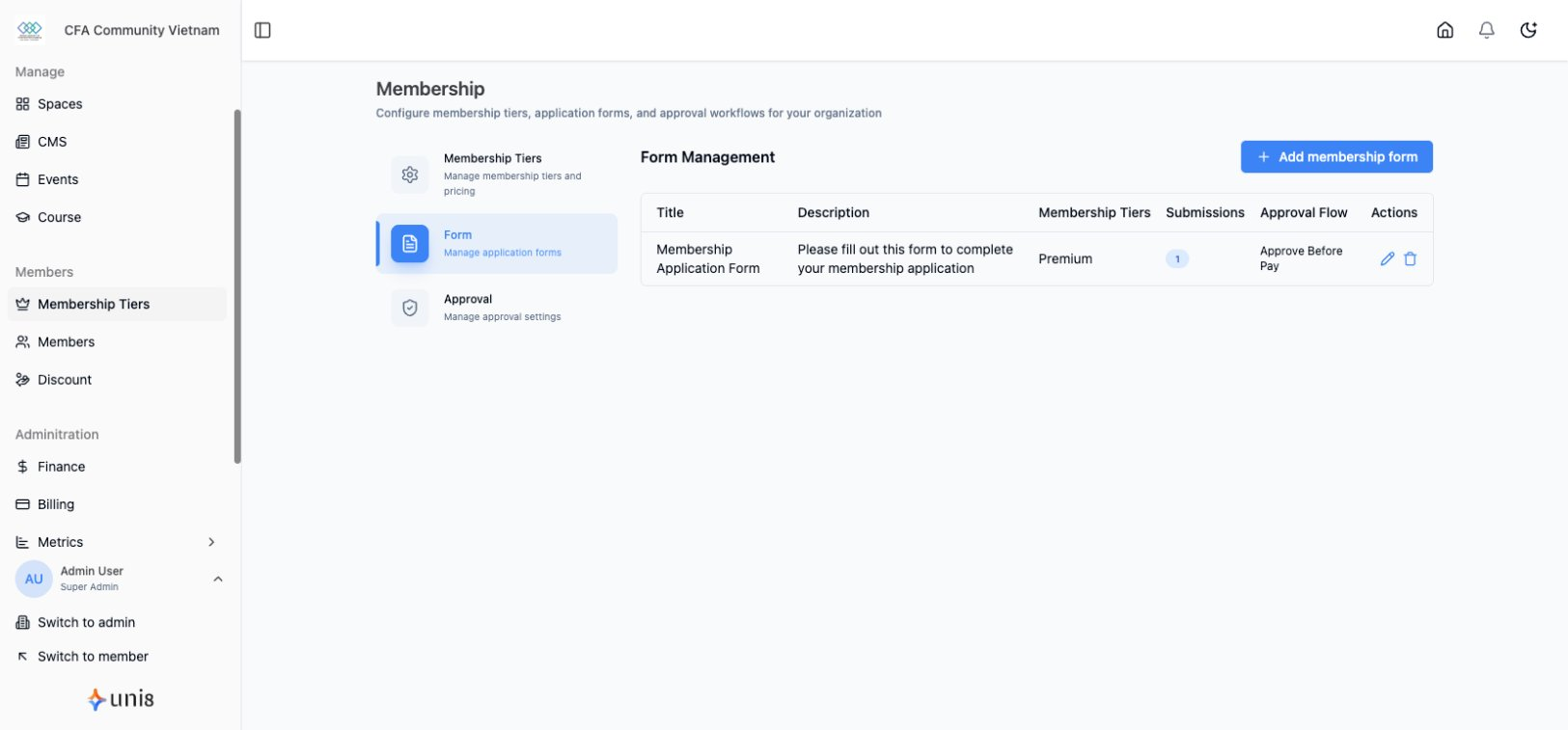
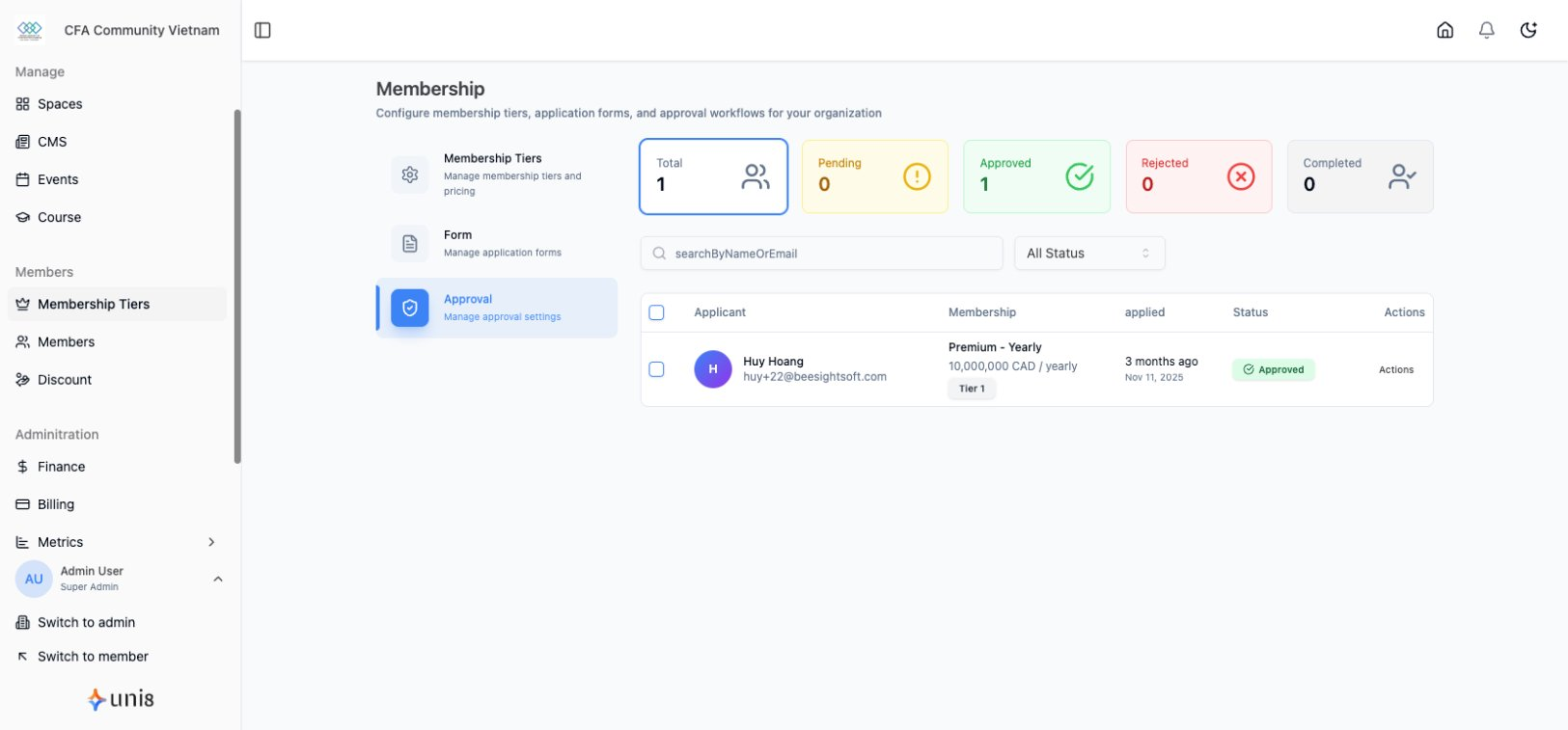
Require approval before members can join.
Enable Approval Mode
- Go to Membership > Settings
- Enable Require Approval
- Configure form fields
- Save
Form Fields
Add custom questions:
- Text fields
- Select options
- File uploads
- Required/optional
Approval Workflow
Review Applications
- Go to Membership > Applications
- View pending applications
- Review responses
- Approve or reject
Notifications
- Applicants notified of decision
- Custom approval/rejection messages