General Settings
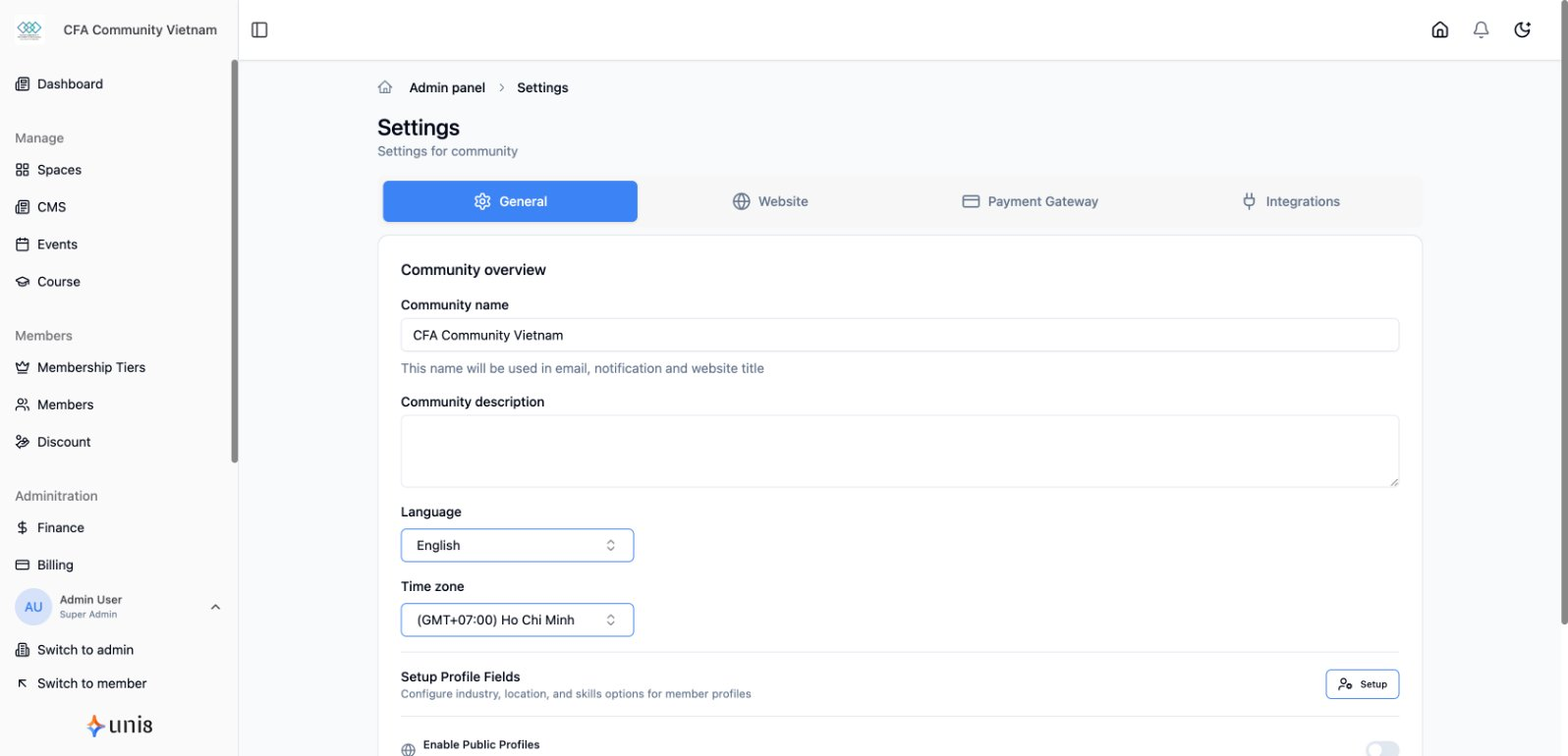
Configure your community's basic settings including locale and timezone.
Locale Settings
Set Language
- Go to Settings > General
- Select Default Language
- Choose from available options:
- English
- Tiếng Việt
- Save changes
Multi-language Support
Enable multiple languages for your community:
- Members can switch languages
- Content can be translated
- Emails sent in member's preferred language
Timezone
Set Timezone
- Go to Settings > General
- Select Timezone
- Choose your timezone
- Save changes
Timezone Affects
- Event start/end times
- Scheduled content publishing
- Analytics date ranges
- Email send times
Other Settings
Community Name
Update your community name displayed across the platform.
Community Description
Brief description shown in search results and social shares.
Contact Email
Primary email for community communications.